Find company nearbypo100gram
A map of people around you who are up for meeting — for a drink, a coffee or just a walk. Drop a pin, plan a meetup for the weekend, find friends with shared interests — and leave honest reviews.
How it works
- 1
Sign in with Telegram
No passwords or email: share your number with the button in the bot and your account is ready. The bot asks your age afterwards — 18+ only.
- 2
Add a photo and open the map
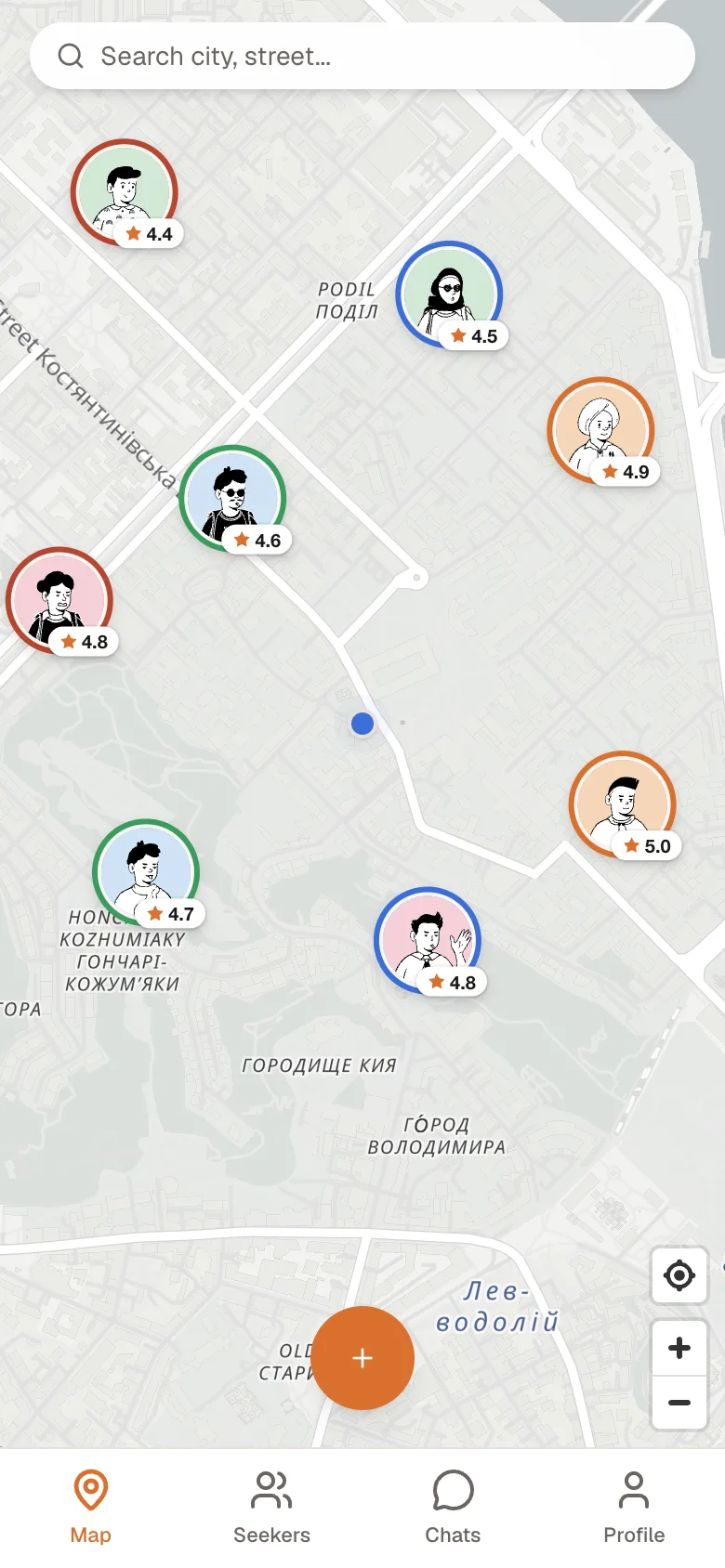
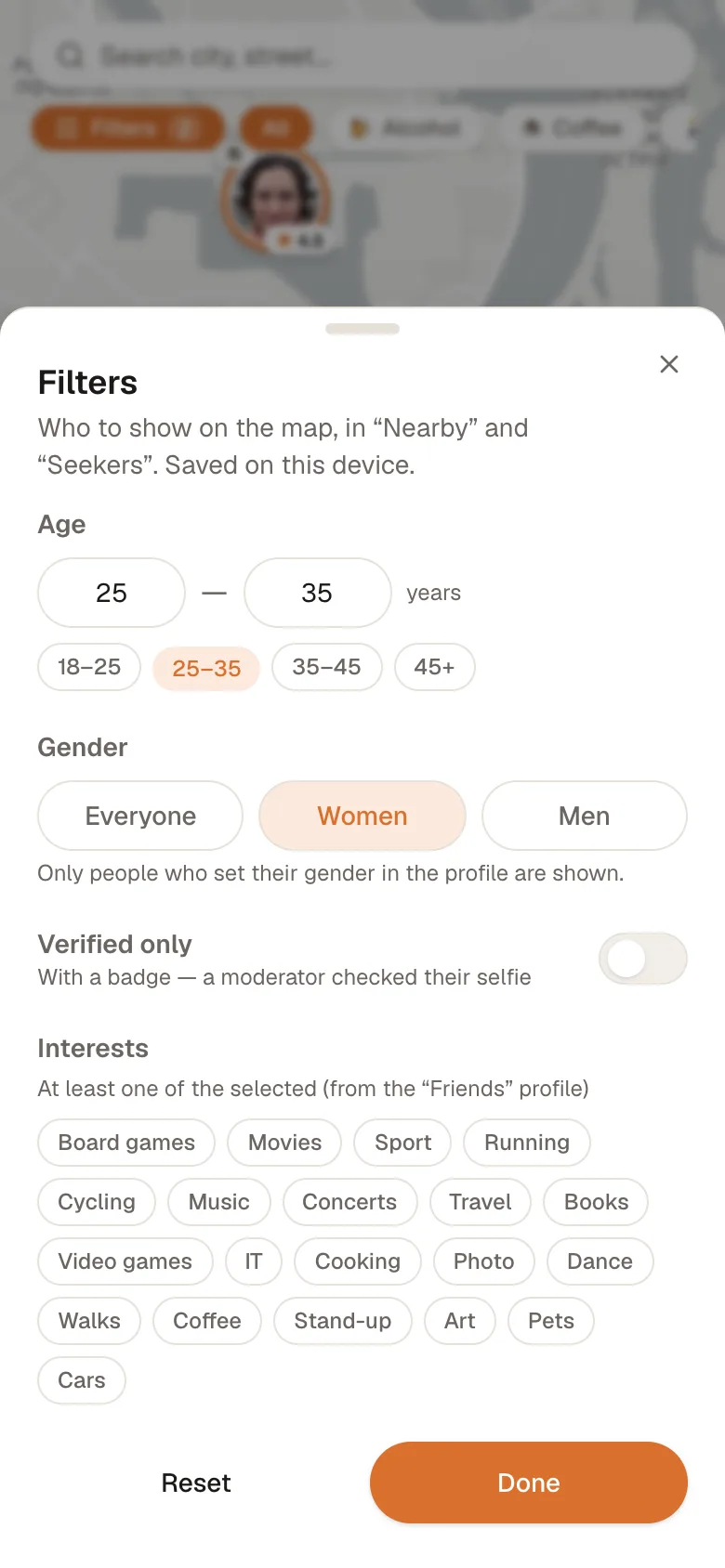
See people nearby and the meetup format: 🍺 with alcohol, ☕ coffee or 🚶 a walk. “Filters” — age, gender, interests.
- 3
Drop your pin
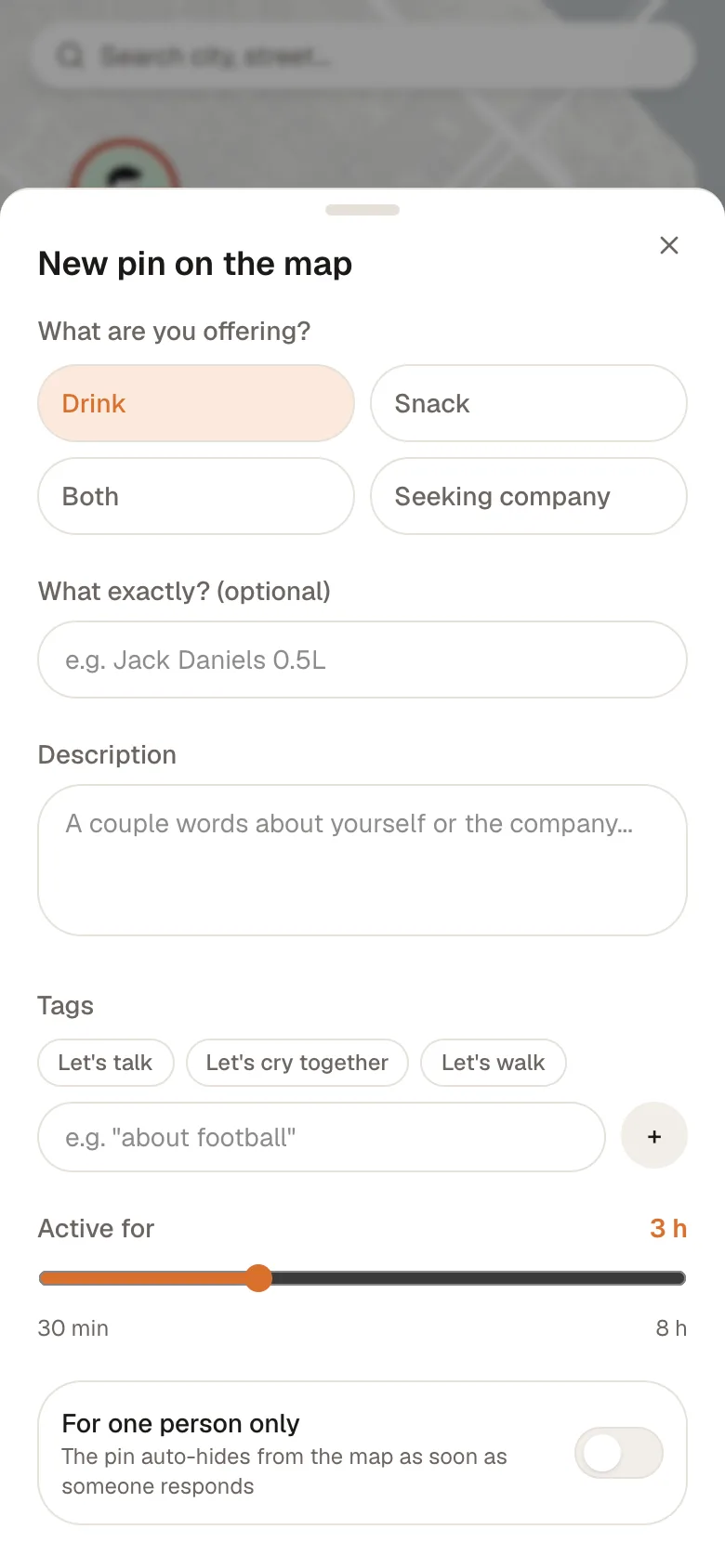
Now or later (up to 7 days ahead), at a café nearby or where you are, for one person or a group of up to five. Lasts up to a day.
- 4
“On my way” or “I'm coming”
The owner confirms — you see the route and they see you're coming. For a planned meetup the bot reminds you both an hour before.
- 5
Review, friends, next meetup
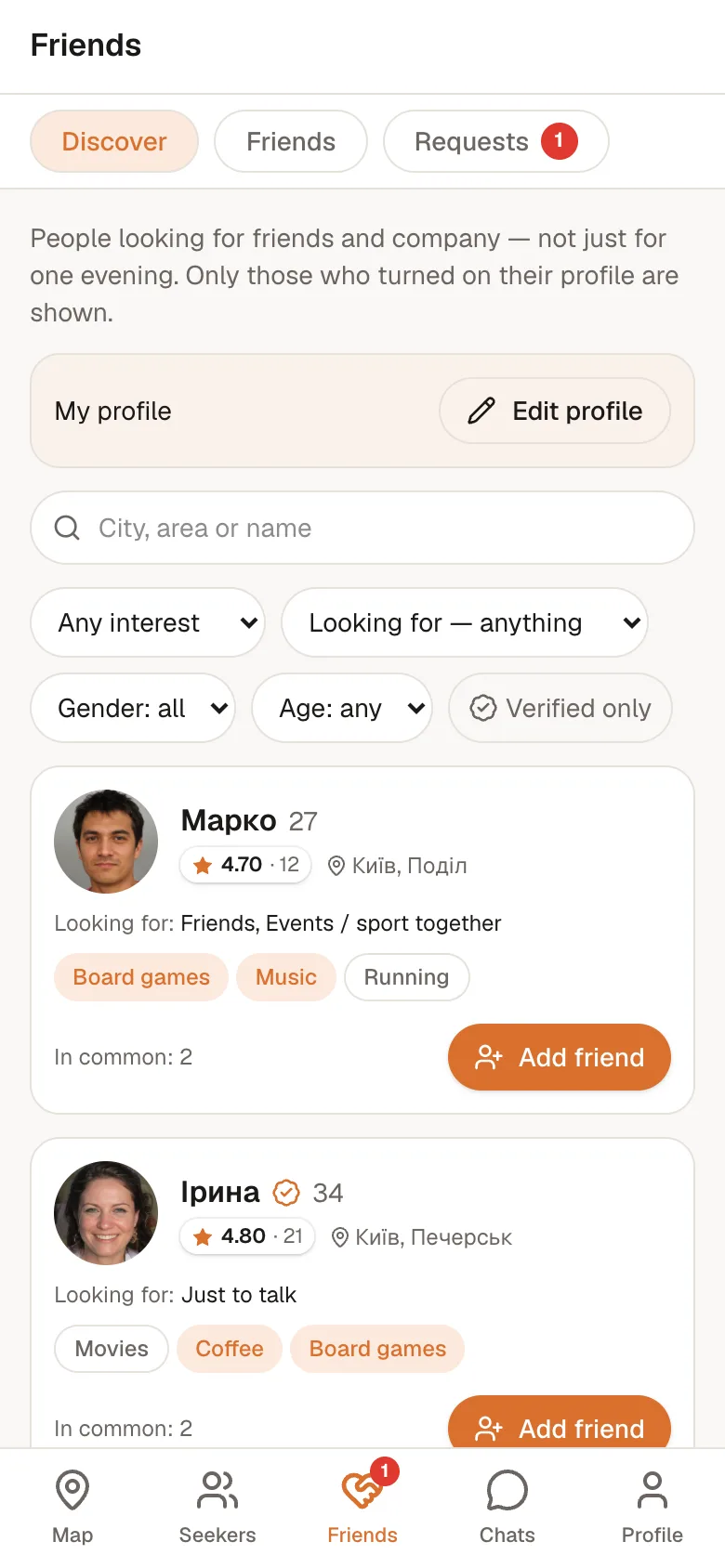
After meeting, leave an honest review and, if you liked it, add them as a friend. “Friends” shows people with shared interests.
See how it looks
It all works right in your phone's browser — nothing to install.
Three ways in — the number stays the key
Signing in is no longer Telegram only: Apple and Google work in one tap. Your phone number is confirmed once in the bot and remains the key to the account — it is what keeps the service clear of an army of fake profiles. Notifications are no longer tied to Telegram either: allow them in your browser and they arrive even with the tab closed.
- Telegram, Apple or Google — the same single account
- The number is confirmed once and stays the account's key
- Browser notifications — no Telegram, even with the tab closed
What else is new
See who's coming
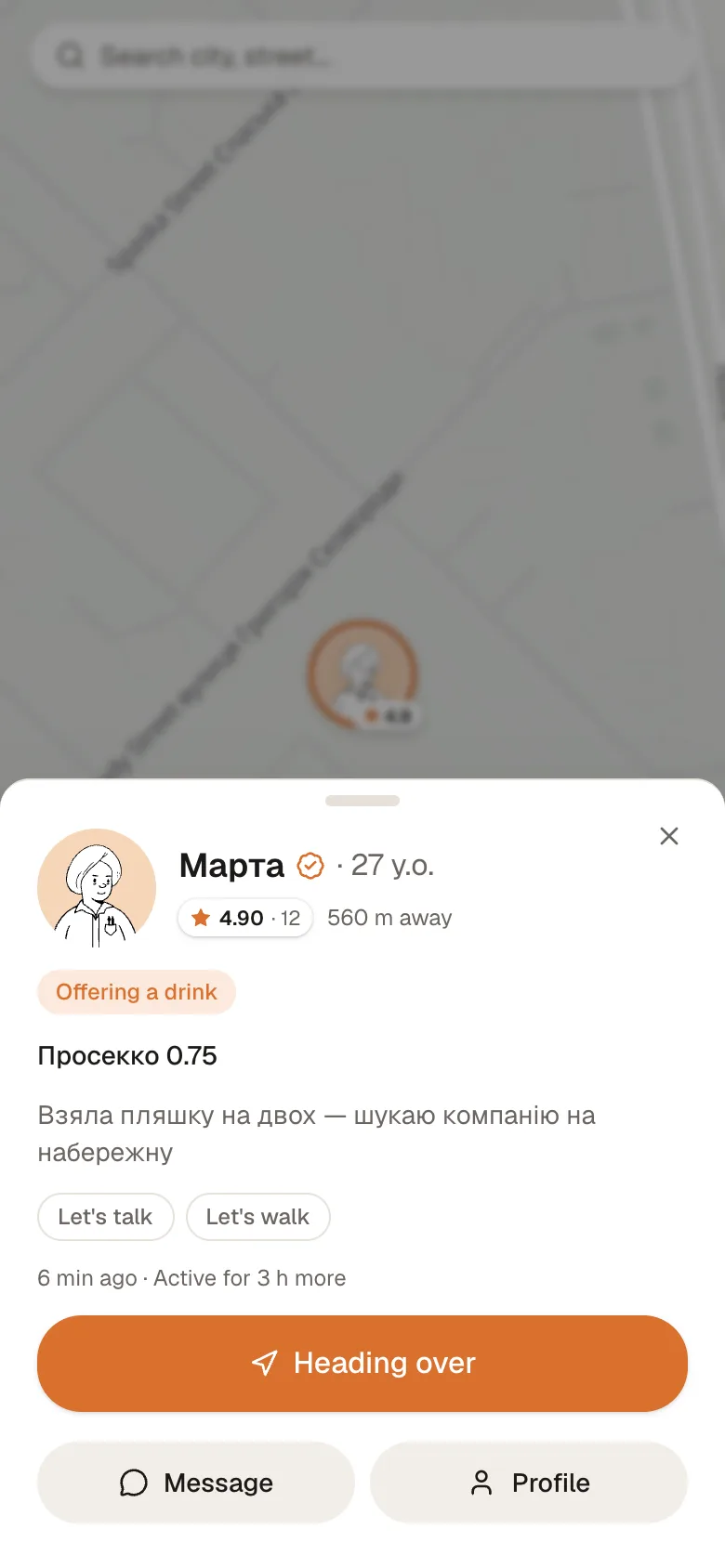
A group pin shows names and faces, not the number "3 guests".
Fix a pin you posted
Title, description and place stay editable while the pin is live. "Refresh pin" moves it to where you are now — exactly what a planned meeting needs on the day.
Delivered and read
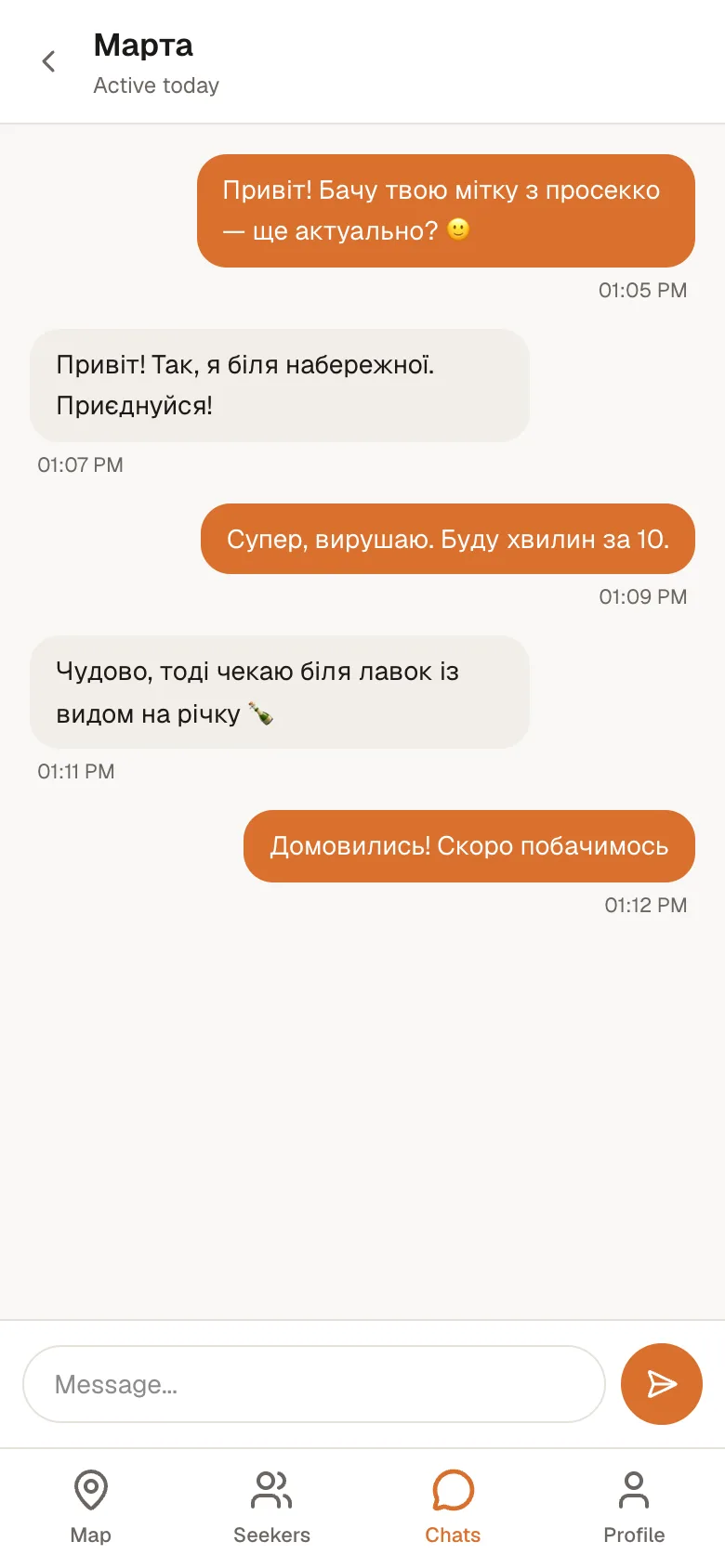
Chats show message state, you can reply to any message directly, links are clickable, and new messages can make a sound.
A friend's city
A friend's profile shows their city, so you can agree on where to meet without asking every time.
A pin can say who it is looking for
When you drop a pin, set the age range and gender you hope for. Anyone who does not match sees the pin and the reason, but cannot set off.
Your meetings, kept
Every meeting in one place: the active ones and an archive, including the ones that fell through.
What Po100gram does
Map nearby
Live pins of people around you with photo, rating and meetup format. Filters by age, gender and interests, and a “Nearby” list with the closest first.
Coffee, a walk or a drink
Three meetup formats and an “I don't drink” setting. Invite someone for coffee at a nearby café in one tap.
Planned and group meetups
A meetup tomorrow or at the weekend with a reminder, or a group of up to five — the pin hides when seats run out.
Chat and video calls
Messages arrive instantly, photos open full screen with zoom, and you can react. One-to-one video calls — direct and never recorded.
Friends
A profile with interests and a feed of people looking for friends beyond one evening. Shown only if you choose.
Honest reviews
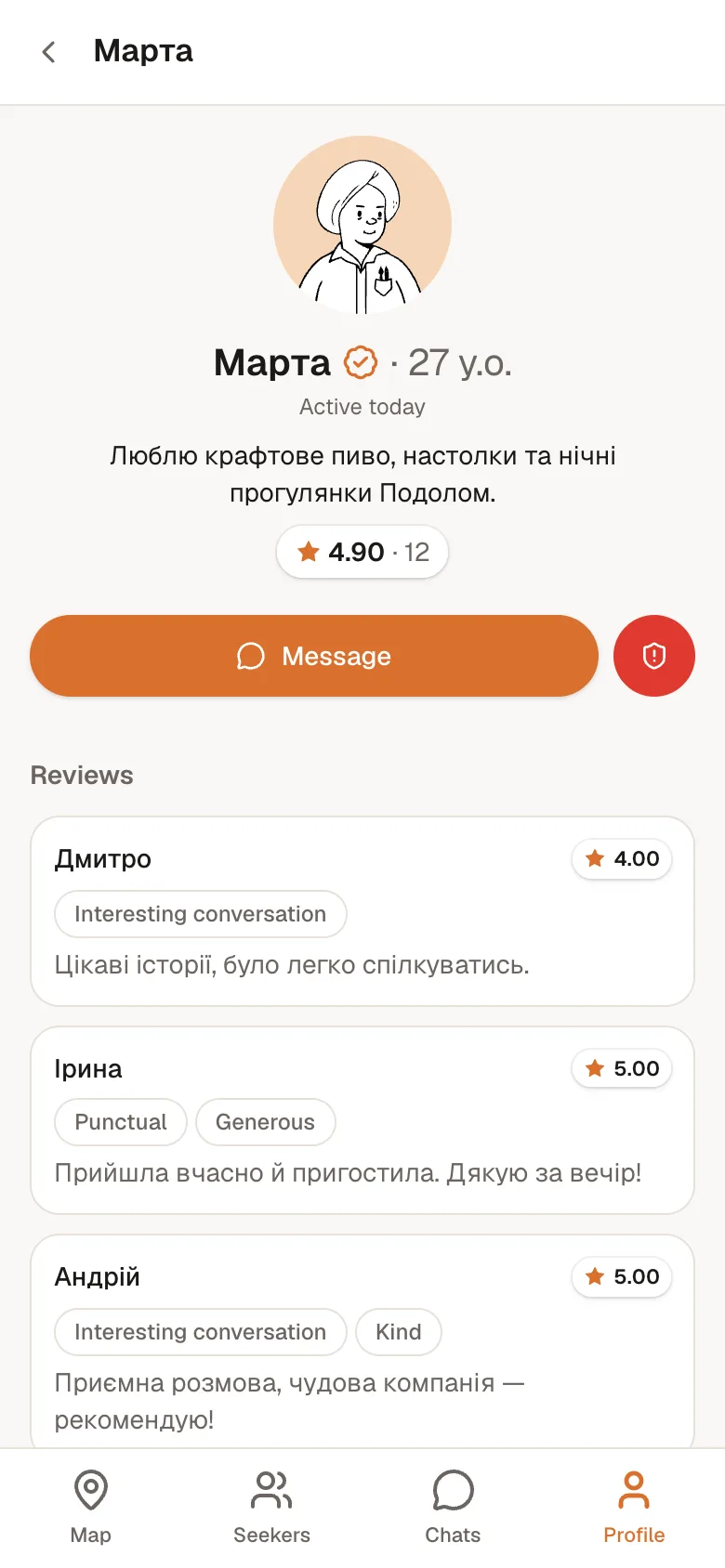
Reviews only after a real meetup or a video call over 5 minutes. No fake ratings.
SOS and trusted contacts
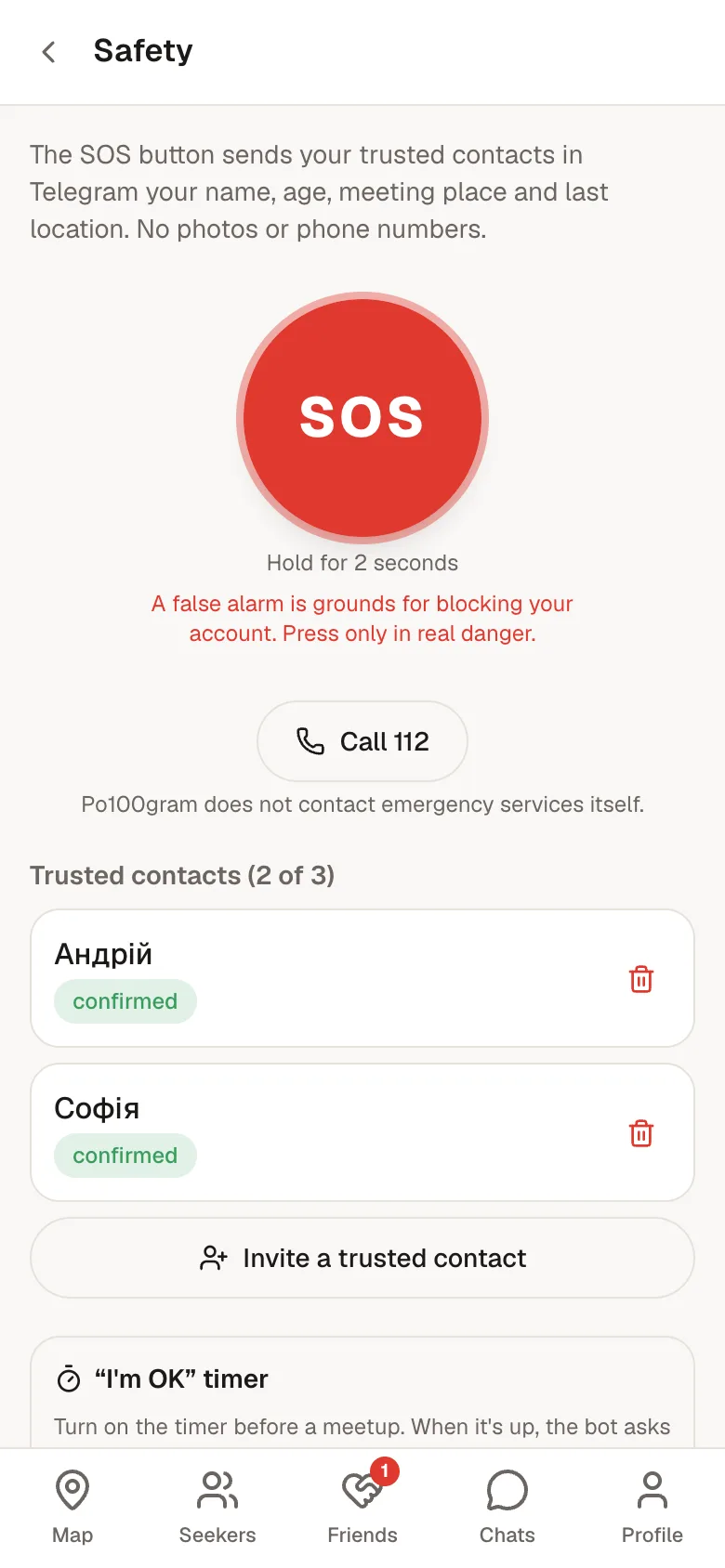
Hold the button and your trusted contacts get your location and who you're meeting in Telegram. The “I'm OK” timer checks in on you.
Control and support
Block unwanted people, selfie verification, moderated reports and support in the app and in Telegram.
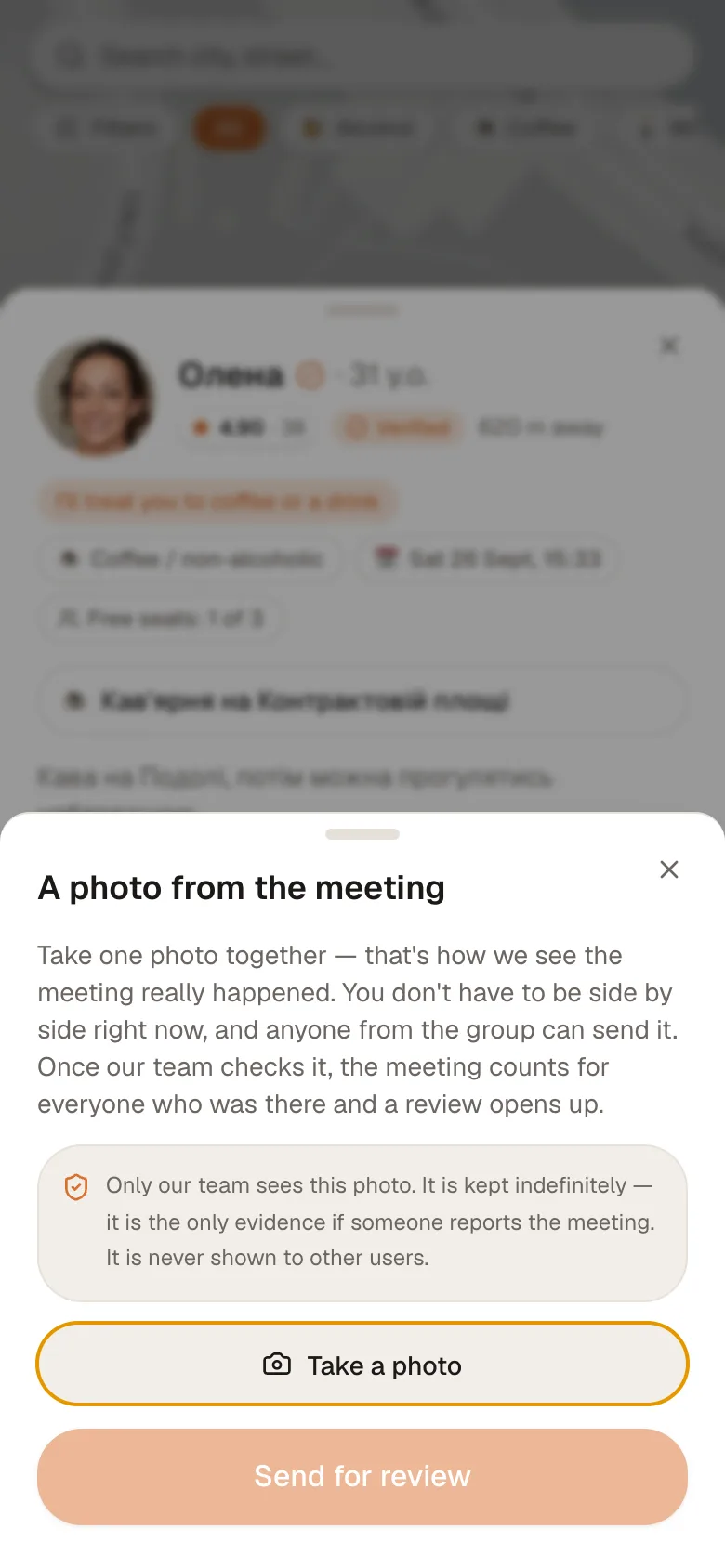
Photo confirms the meeting
A shared photo instead of a button press. Anyone from the group can send it, and you don't have to be next to each other at that moment.
Collectible cards
Your first pin, meetup, call or review earns a holographic card with a personal number. Some come in limited editions.
Safety is not optional
- 18+ only: a false age means a permanent ban and a blacklisted number.
- SOS button and “I'm OK” timer: your trusted contacts learn where you are. If life is in danger — call 112.
- Block anyone: you won't see each other's pins and can't message or call.
- Reviews only after real meetups, manual selfie verification, moderated reports and automatic spam protection in chats.
- Your data: only administrators see phone numbers, chats are read only when handling reports, video calls are never recorded.
- The Service doesn't sell alcohol or organize meetups — people talk to each other directly.
FAQ
Is it free?+
Yes, the app is free to use.
Do I need to install anything?+
No. It's a web app: open po100gram.com in your phone's browser. You can add it to your home screen if you like.
Why sign in with Telegram?+
No passwords to invent and your number is reliably confirmed. Telegram also delivers notifications about requests, messages and reminders. Share your number with the button in the bot.
I don't drink — is this for me?+
Of course. There are “☕ coffee / non-alcoholic” and “🚶 walk” formats, and the “I don't drink alcohol” setting makes the map show only those meetups.
Can I see only a certain age or gender?+
Yes: the “Filters” button on the map, in “Nearby” and “Seekers” — age range, gender, verified only and shared interests. Setting your own gender in the profile is optional.
Can we meet at the weekend instead of now?+
Yes: choose “Plan ahead” when creating a pin (up to 7 days ahead). People tap “I'm coming” and the bot reminds everyone an hour before.
Who is it for?+
Adults only, 18+. Age is confirmed at sign-up, and false details lead to a ban.
How does location work?+
Your location is used to drop a pin, show distance and the route. There is no background tracking. If you turn on alerts about people nearby, we keep your last position while they're on.
What if I feel unsafe or someone bothers me?+
Block them on their profile or report them. For meetups, set up trusted contacts and keep the SOS button at hand. In real danger, call 102 or 112 right away.